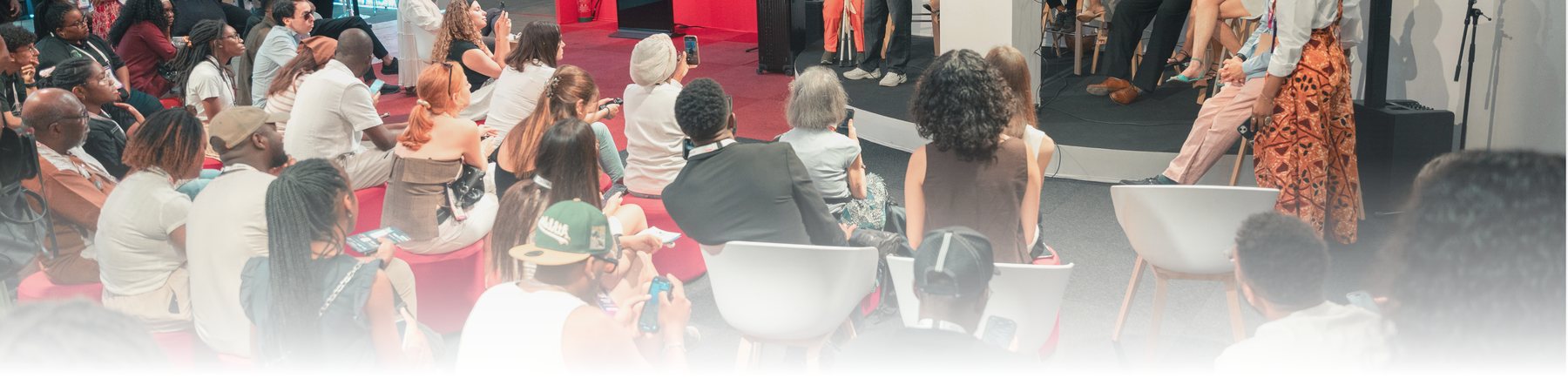
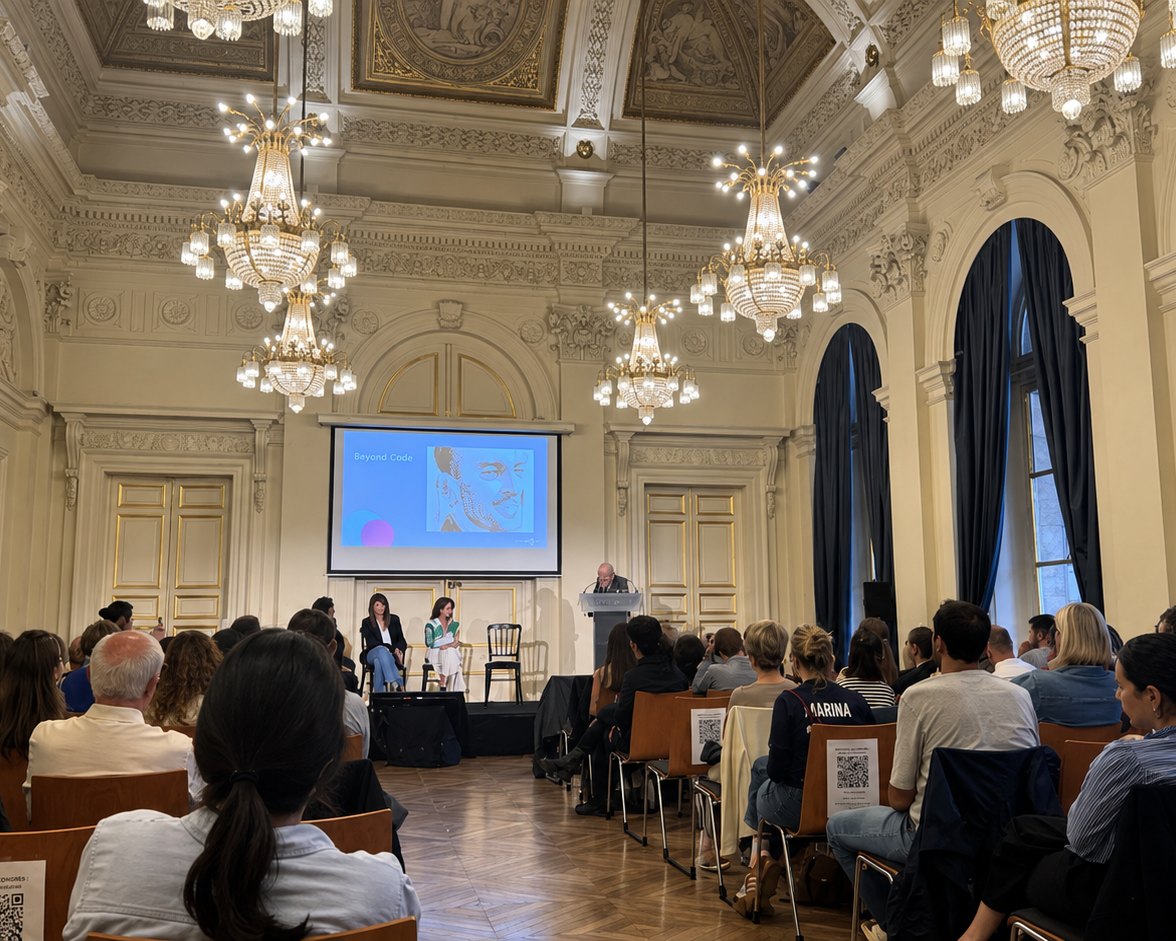
Live captions for everyone in the room, and a translated voice for those who need another language. All of it on the phone they already carry, with no headsets to hand out.
60+
languages with a native HD voice
2 min
to deploy Glot
2 s
translation latency
How it works
01
Capture
A microphone or the room's mixing desk picks up the speaker.
02
Transcribe and translate
Glot turns speech into text, then translates it sentence by sentence, live.
03
Scan
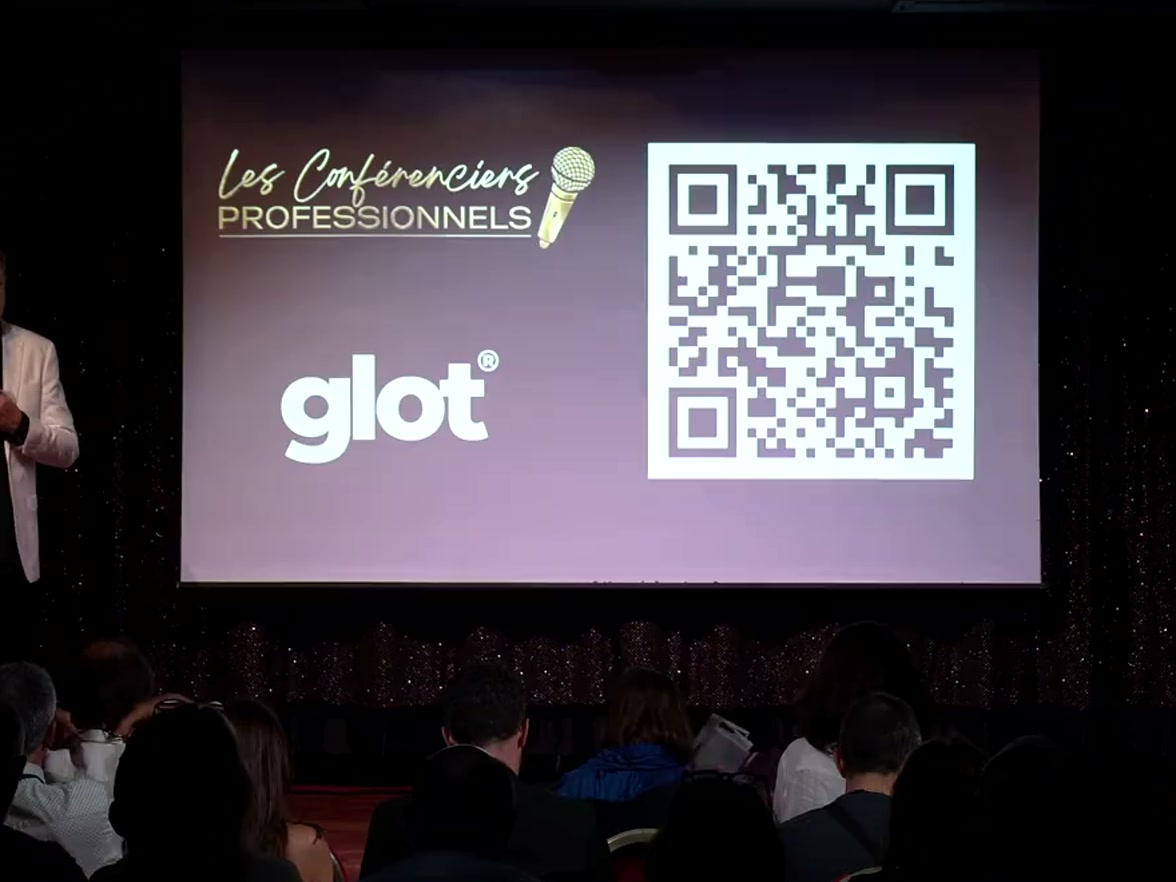
The attendee scans a QR code. No account to create.
04
Follow
Everyone picks their language, on their own phone.
Audio setup that fits
Mixing desk
The recommended setup wherever a control booth exists. Take an AUX, LINE OUT or REC OUT feed and connect it to a USB audio interface.
Wireless lavalier
The universal solution, with or without a booth. The transmitter clips onto the speaker, the receiver plugs in over USB-C.
USB desk microphone
For meetings and roundtables of fewer than fifty people, without a PA system. The microphone sits facing the speaker.
getglot.comhello@getglot.com
Features and compatibility
The features
Live translation
Each attendee picks their language as they join the session, and switches whenever they want. The voice is native and studio-grade, not a mechanical synthesis.
Live captions
Word by word, at the bottom of the attendee's screen, with automatic punctuation. And large on the room's screen, sized to be read from the back row.
Original sound
The attendee can also listen to the speaker as they are, without translation.
Diarisation
Glot tells speakers apart and shows who is talking. The transcript stays readable when several people take the microphone in turn, in a roundtable or a debate.
Customisable display
Text size, typeface, including one designed for dyslexia, contrast and a light or dark background. Everyone tunes their own reading to their eyes and the room's light.
End-of-session summary
When the session ends, Glot produces a written report, ready to download and to share with those who could not attend.
Compatibility
Phone
iOS and Android
Tablet
iPad and Android
Computer
Windows, macOS, Linux
Room screen
Full-screen browser
Glot opens in the browser, on the device everyone already has in hand. The same link serves the attendee's phone and the room's screen.
Privacy and compliance
Privacy by design
Speech is processed as it comes, without unnecessary storage.
Enterprise-grade security
Built to meet the expectations of organisations where confidentiality matters.
GDPR compliance
Designed with GDPR and international security best practices in mind.
getglot.comhello@getglot.com
The languages
60+ languages with a native HD voice.
Every language is included by default, with no surcharge and no tiers. Others can be opened on request ahead of the event.
EUROPE 35
AlbanianShqip
BasqueEuskara
BelarusianБеларуская
BosnianBosanski
BulgarianБългарски
CatalanCatalà
CroatianHrvatski
CzechČeština
DanishDansk
DutchNederlands
EnglishEnglish
EstonianEesti
FinnishSuomi
FrenchFrançais
GalicianGalego
GermanDeutsch
GreekΕλληνικά
HungarianMagyar
ItalianItaliano
LatvianLatviešu
LithuanianLietuvių
MacedonianМакедонски
NorwegianNorsk
PolishPolski
PortuguesePortuguês
RomanianRomână
RussianРусский
SerbianСрпски
SlovakSlovenčina
SlovenianSlovenščina
SpanishEspañol
SwedishSvenska
TurkishTürkçe
UkrainianУкраїнська
WelshCymraeg
ASIA 21
AzerbaijaniAzərbaycan dili
Bengaliবাংলা
Cantonese廣東話
Chinese中文
Gujaratiગુજરાતી
Hindiहिन्दी
IndonesianBahasa Indonesia
Japanese日本語
Kannadaಕನ್ನಡ
KazakhҚазақ тілі
Korean한국어
MalayBahasa Melayu
Malayalamമലയാളം
Marathiमराठी
Punjabiਪੰਜਾਬੀ
TagalogTagalog
Tamilதமிழ்
Teluguతెలుగు
Thaiภาษาไทย
Urduاردو
VietnameseTiếng Việt
MIDDLE EAST AND AFRICA 8
AfrikaansAfrikaans
Arabicالعربية
Arabic (Egypt)العربية (مصر)
Arabic (Lebanon)العربية (لبنان)
Arabic (Morocco)الدارجة
Hebrewעברית
Persianفارسی
SwahiliKiswahili
getglot.comhello@getglot.com
References and pricing
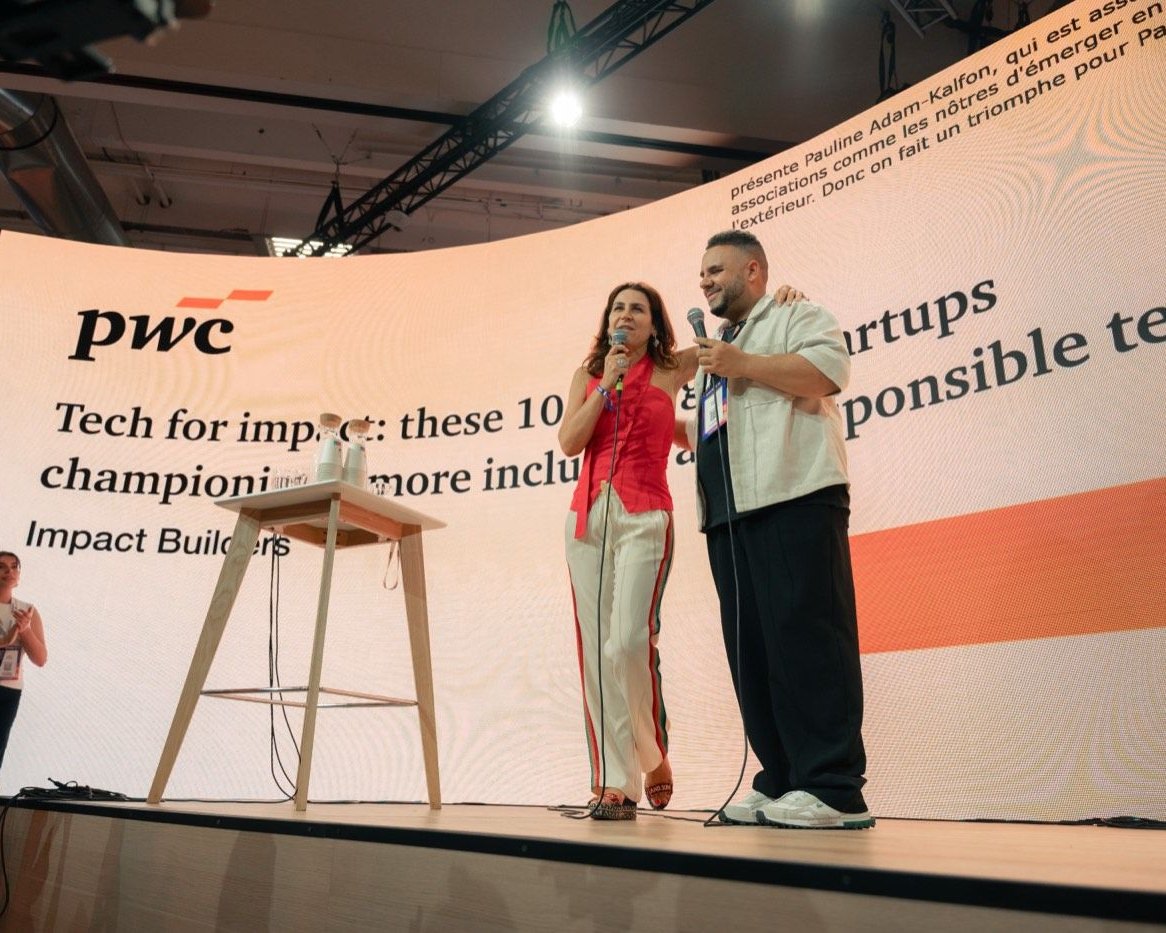
Used on stage.
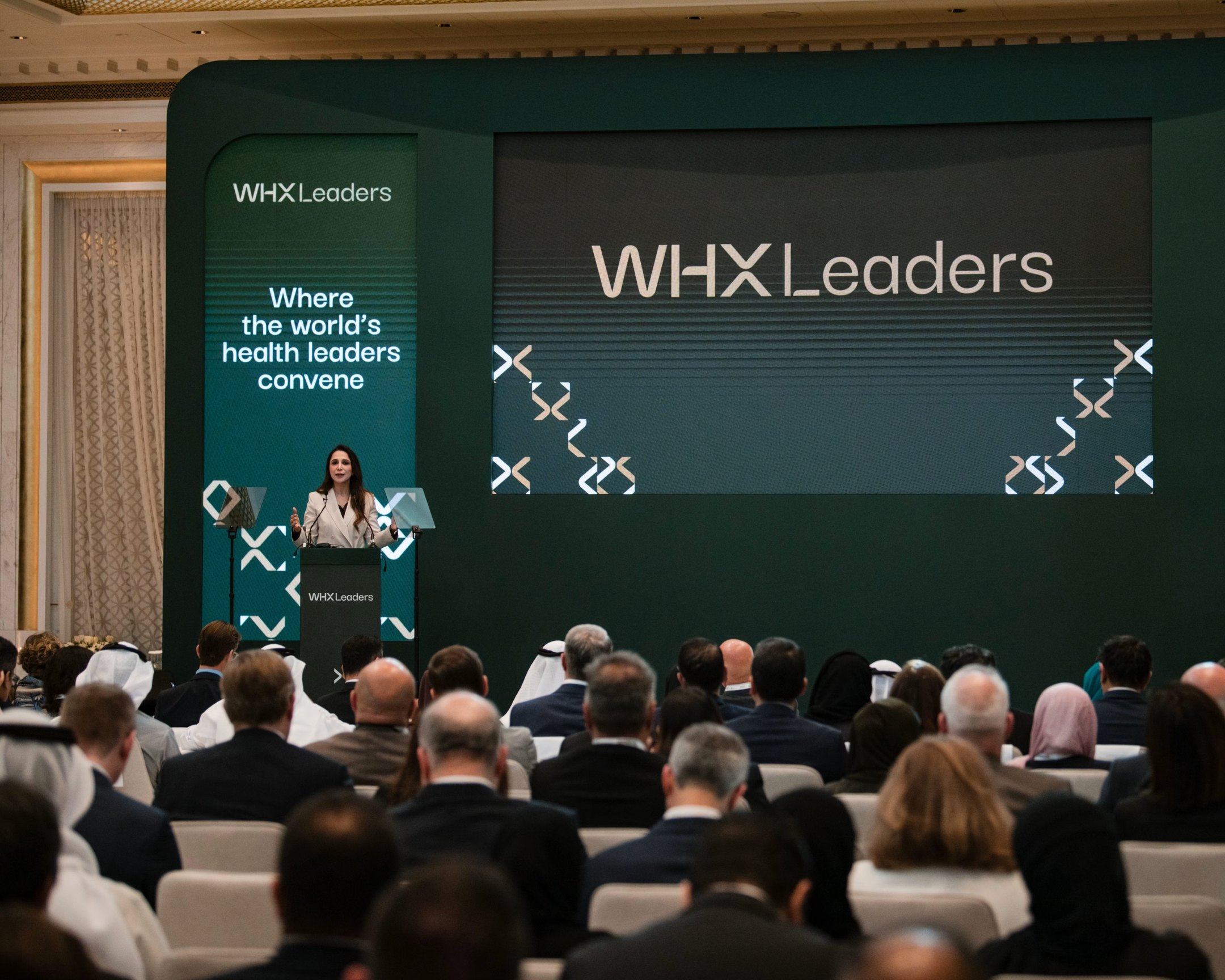
Institutions, summits and trade show floors already run Glot in front of live audiences.
Louis Bachelier InstituteWorldSkillsParis Centre for DemocracyWorld Health ExpoElevate 2026PwC
Pricing
One price per room, up to 300 participants, every language included.
Glot Captions
Live captions on your attendee's smartphones.
€235/ room / day
or by the hour, from €40
Glot Voice
Translated voice and live captions, on each attendee's smartphone.
€590/ room / day
or by the hour, from €99
Hour packs
Priced by volume, valid for 12 months, to spread across as many sessions as you like. More than 300 participants, several days and rooms, public tenders: on quote. Details: getglot.com/pricing